
How to Grow on TikTok in 2025: Data-Backed Guide to Followers, Views & Viral Reach
How to Grow on TikTok in 2025: Data-Backed Guide to Followers, Views & Viral Reach…
Solutions
Solutions OverviewMarketing AgenciesSmall BusinessesSocial Media ManagersMarketing TeamsContent CreatorsMulti-Brand MarketingBy Outcome
Social Media CampaignsSeasonal MarketingProduct Launch ContentEvent PromotionBrand-Consistent ContentContent RepurposingCross-Platform ContentMarketing Asset ReuseProduct EducationEducational ContentCustomer Story ContentSEO Blog ProductionBlog Content RefreshContent Performance ReviewPricingResourcesOolook Best
To create and share a Zoom meeting link:
Go to zoom.us and log in using your account credentials. You can also use the Zoom desktop or mobile app.
If you don’t have an account, create a free Zoom account.

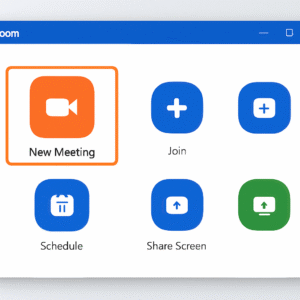
You have two options:
You’ll be taken to a summary page with your meeting details and the invitation link.
Paste the link into your email body manually or use Zoom’s Gmail/Outlook integrations.
Post in Slack, Teams, WhatsApp, or SMS. Make sure the recipient has access.
Add the link to your Google Calendar or Outlook invite in the event description.
If it’s a public meeting or webinar, post the link on Twitter, LinkedIn, or Facebook.
Reminder: Enable “Join before host” and turn off passcodes if you’re sharing links publicly.
Want to save time? Use automation tools like:
Explore more insights on AI, social media, and building a brand that lasts.
How to Grow on TikTok in 2025: Data-Backed Guide to Followers, Views & Viral Reach…

Crafting Compelling Twitter Threads in Seconds with AI: The Ultimate Guide In the fast-paced world…

Why Look for a Zoom Alternative? Zoom may be a household name, but it’s not…
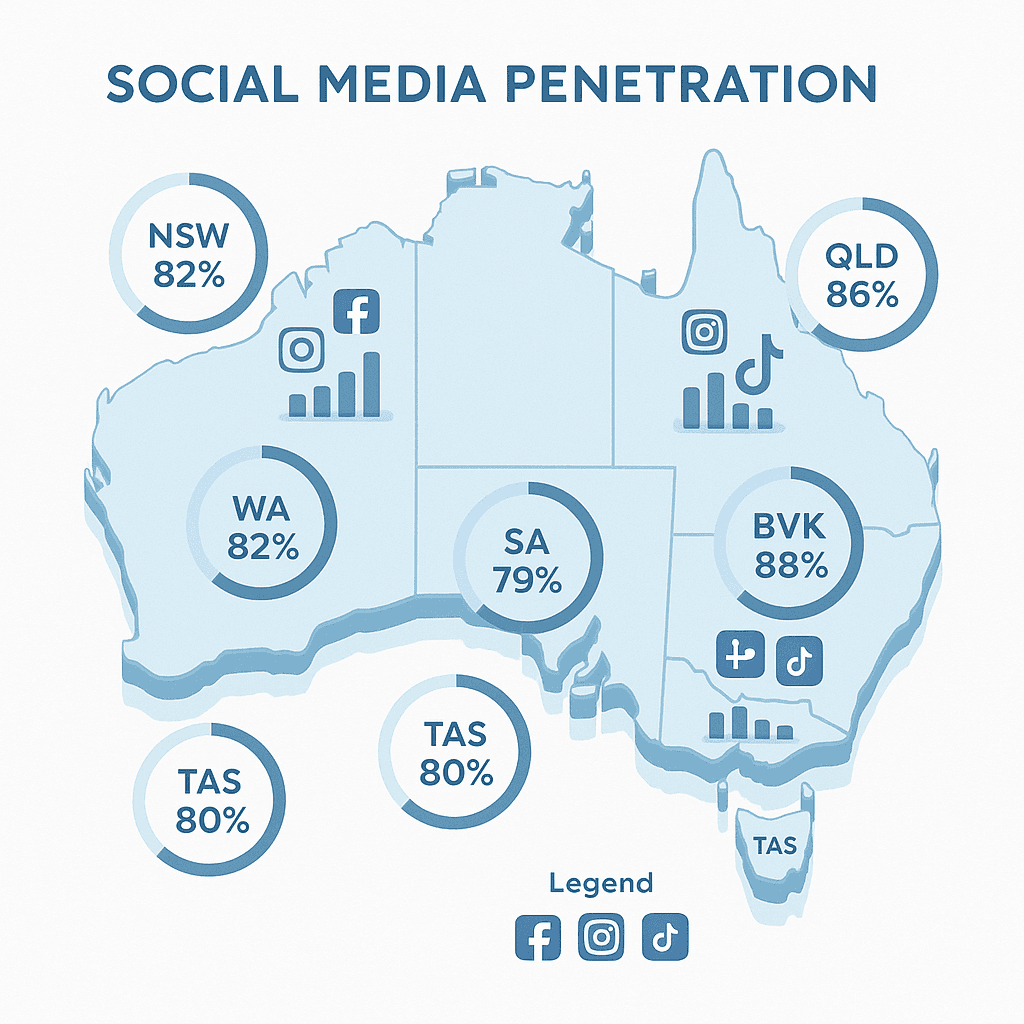
Social Media Statistics Shaping Australia’s Digital Landscape in 2025 As we delve into the social…