Oolook for Google Business Profile

Create Google Business Profile Content with AI

Prepare accurate, brand-aware local business updates using your workspace context, approved media, and a controlled publishing workflow.

Oolook Copilot

Brand-aware content preparation

Working in: Alder & Form
Ask anything
Brand details shown here are fictional. Actual output uses available information from the selected Brand Kit.
Prepare a local business updatePromote an approved serviceCreate seasonal local content

Supported actions are prepared for review and confirmation. Publishing capabilities and formats depend on current Oolook availability and the destination network.

Local business content in one workspace

Move From a Business Update to Reviewed Profile Content

Use Oolook to prepare copy, select approved media, review the connected destination, and submit supported publishing actions.

Start with Copilot

Turn a Local Marketing Objective Into an Accurate Draft

Give Copilot the approved offer, service, event, or business update. It can use available workspace context while keeping important details visible for review.

  • Use available business and Brand Kit information
  • Prepare concise local-business content
  • Keep dates, locations, and claims reviewable
  • Show supported actions before confirmation
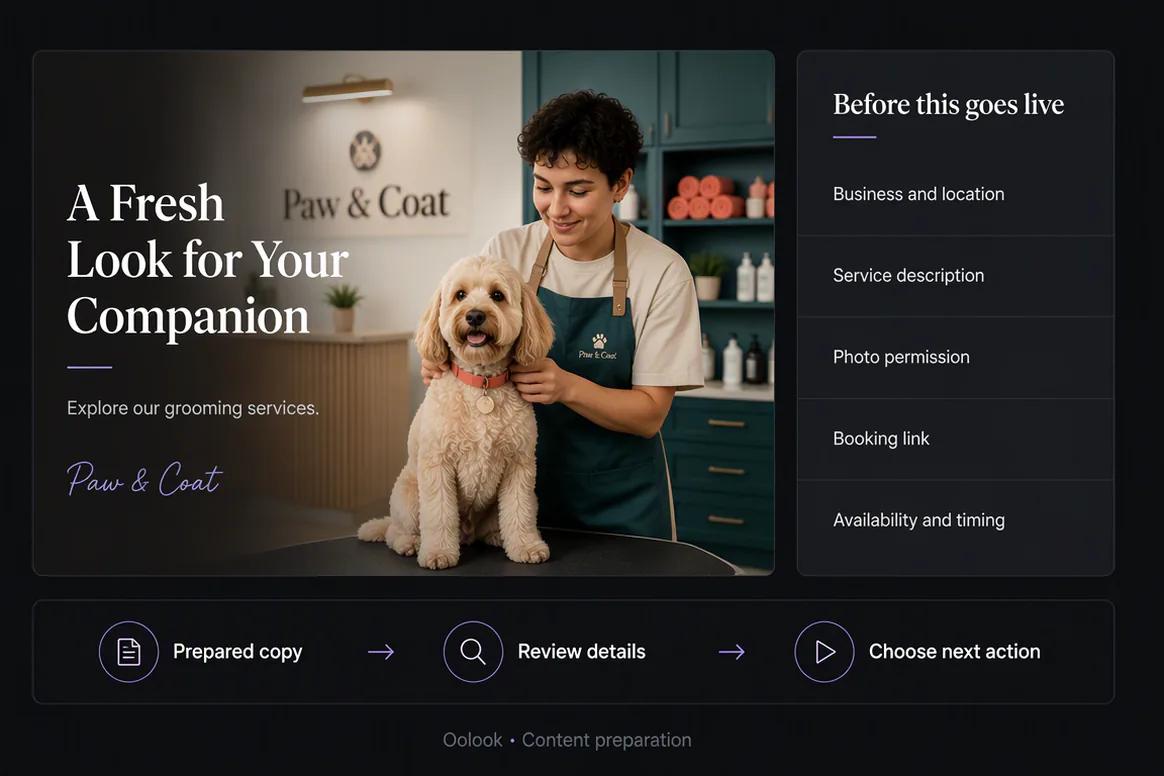
Oolook Copilot preparing Google Business Profile content

Prepare the creative

Connect Business Updates to Approved Visual Assets

Choose existing business photography or create supporting marketing visuals without losing the connection to the selected brand workspace.

  • Find approved media in the Media Library
  • Generate supporting images when appropriate
  • Process eligible existing images
  • Keep the selected asset connected to the draft
Approved local business media selected from the Oolook Media Library

Review the details

Check Every Business Detail Before Publication

Review the copy, media, selected destination, date, and supported settings before confirming the publishing action.

  • Verify the offer, service, or update details
  • Review dates, locations, and calls to action
  • Confirm the selected business destination
  • Save the content as a draft until approved
Google Business Profile update prepared for review in Oolook

Publish and monitor

Follow Supported Publishing and Available Profile Information

Move approved updates through the current publishing workflow and review available information from the connected destination.

  • Schedule or publish supported updates
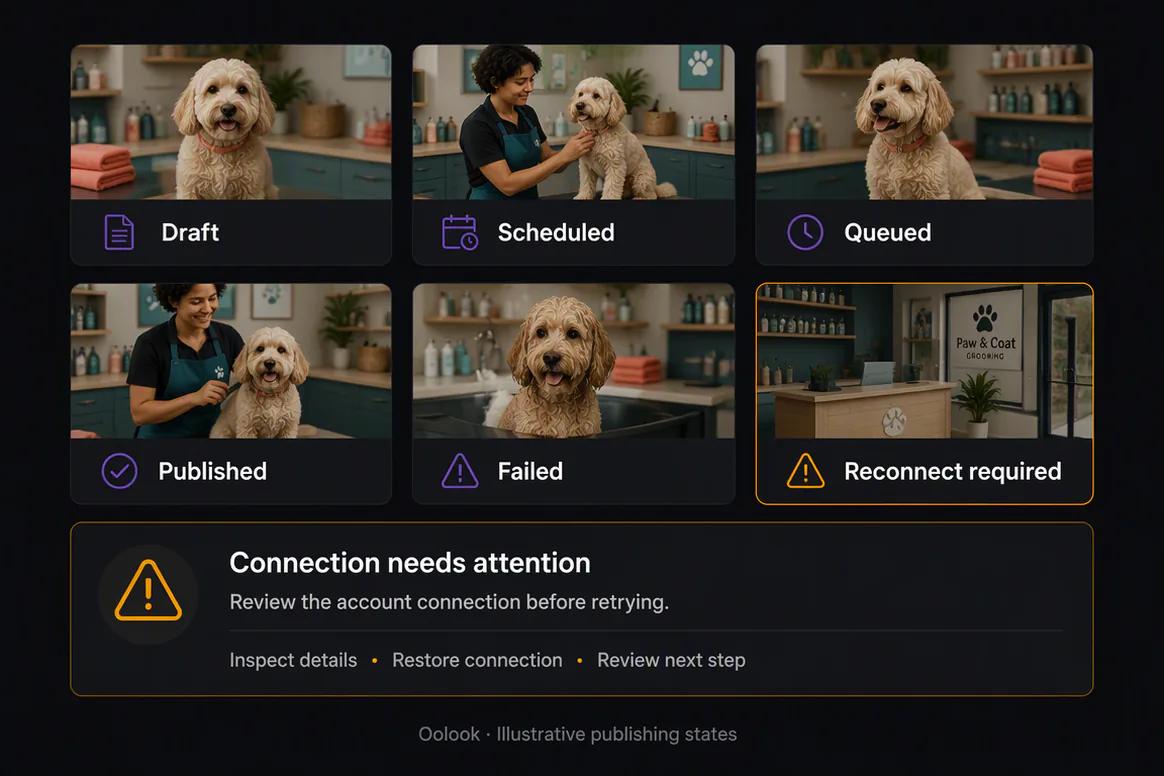
  • Monitor queue and publication states
  • Identify failed or reconnect-required actions
  • Review available connected-profile information
Google Business Profile publishing status inside Oolook

Local campaign examples

Turn Verified Business Information Into Local Profile Content

Connect approved service details, business photography, local campaign updates, publishing status, and grounded follow-up.

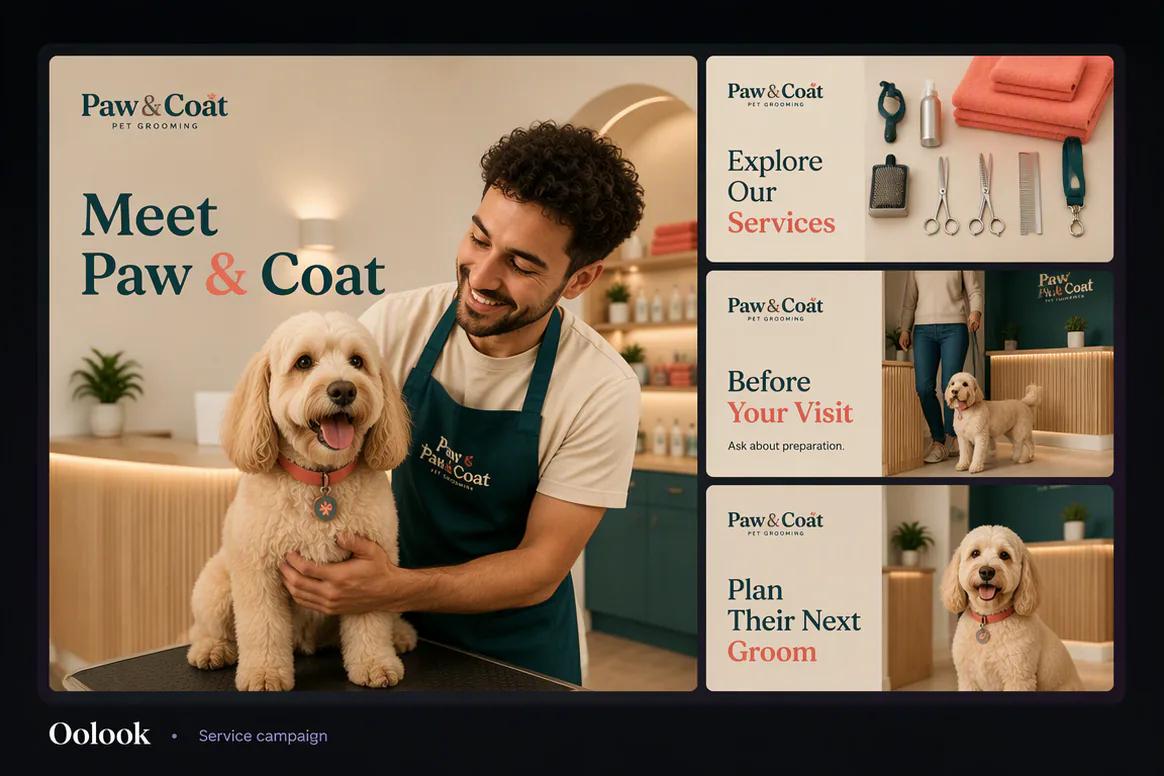
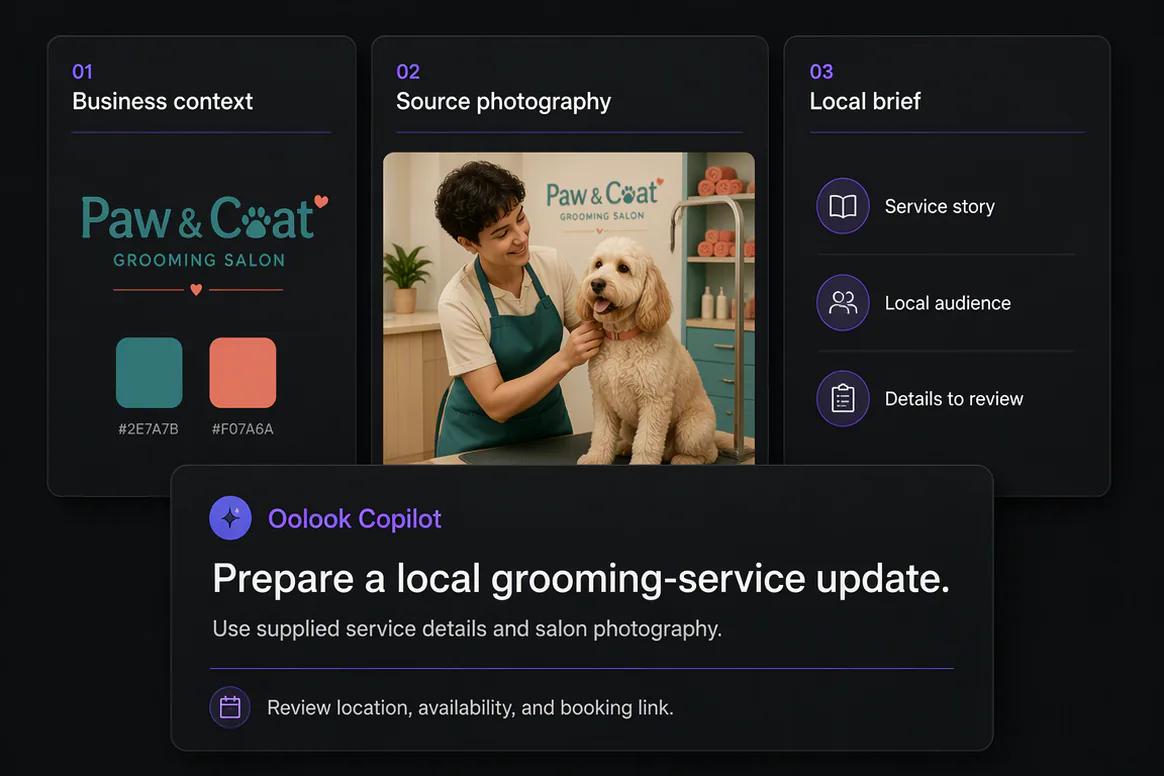
Oolook displaying a coordinated local pet grooming service campaign

Service Campaign

Combine a service introduction, included steps, preparation reminder, and booking action.

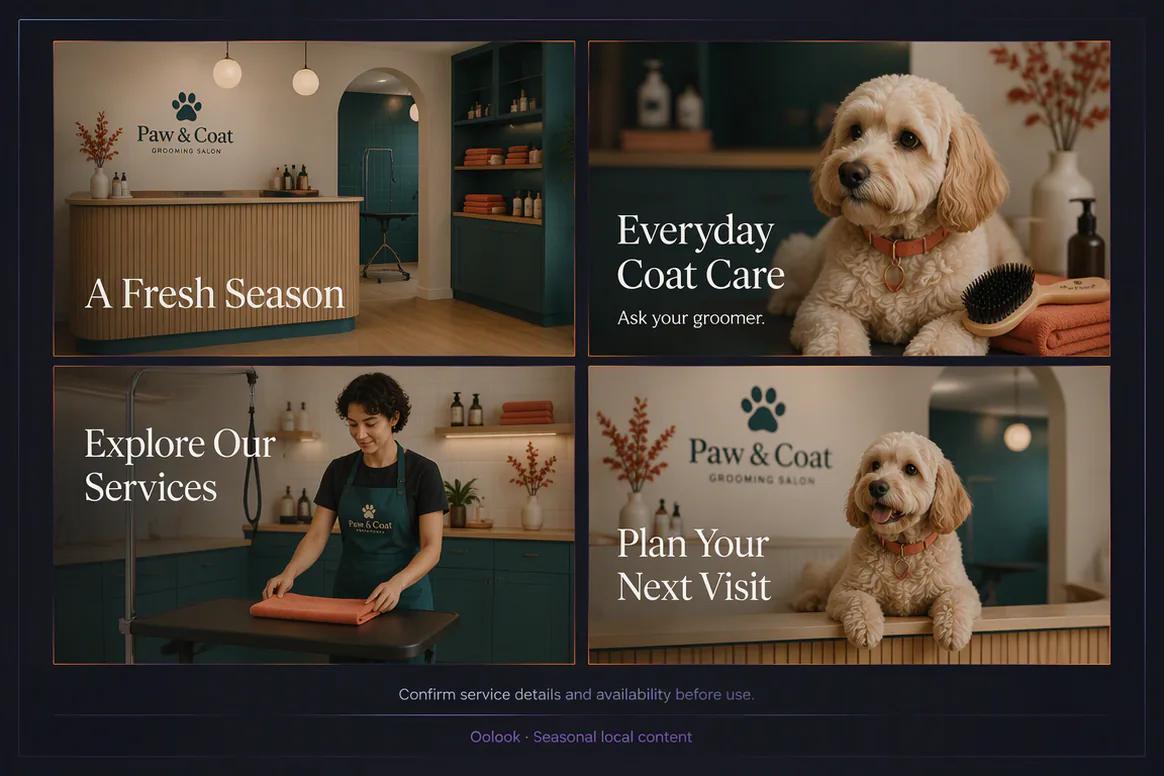
Oolook displaying a seasonal Google Business Profile campaign

Seasonal Local Campaign

Prepare reviewed seasonal service, education, availability, and reminder content.

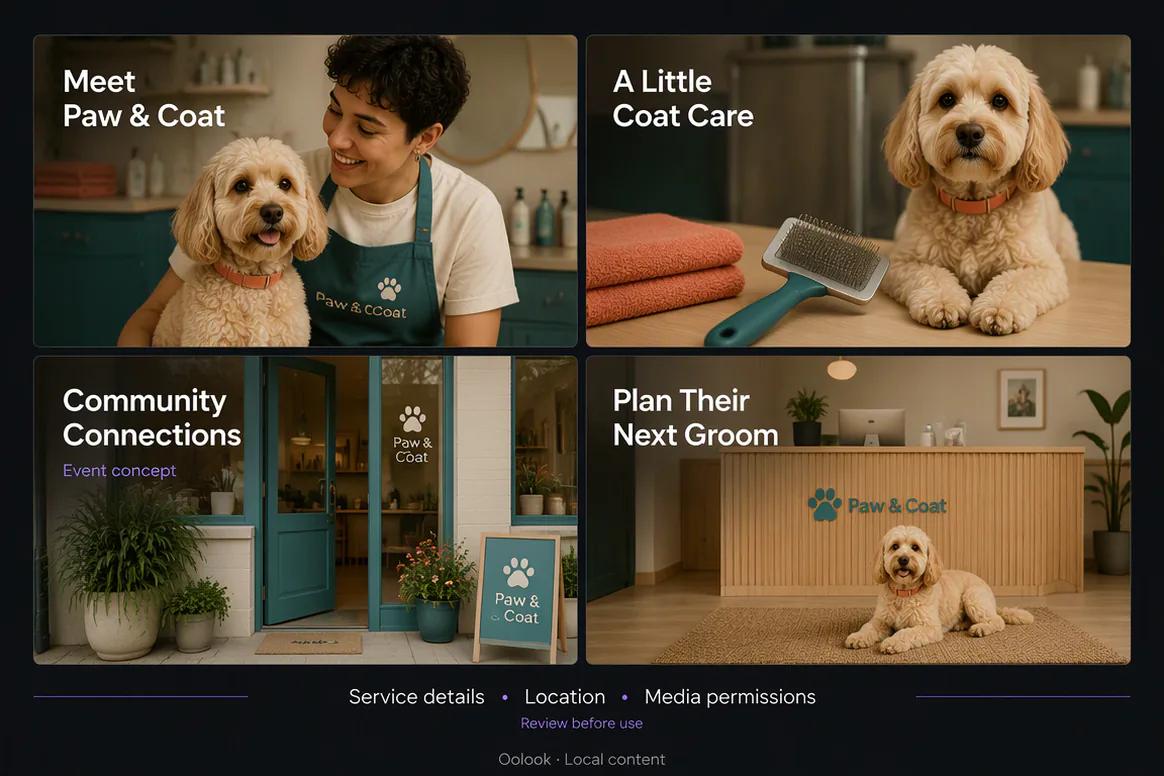
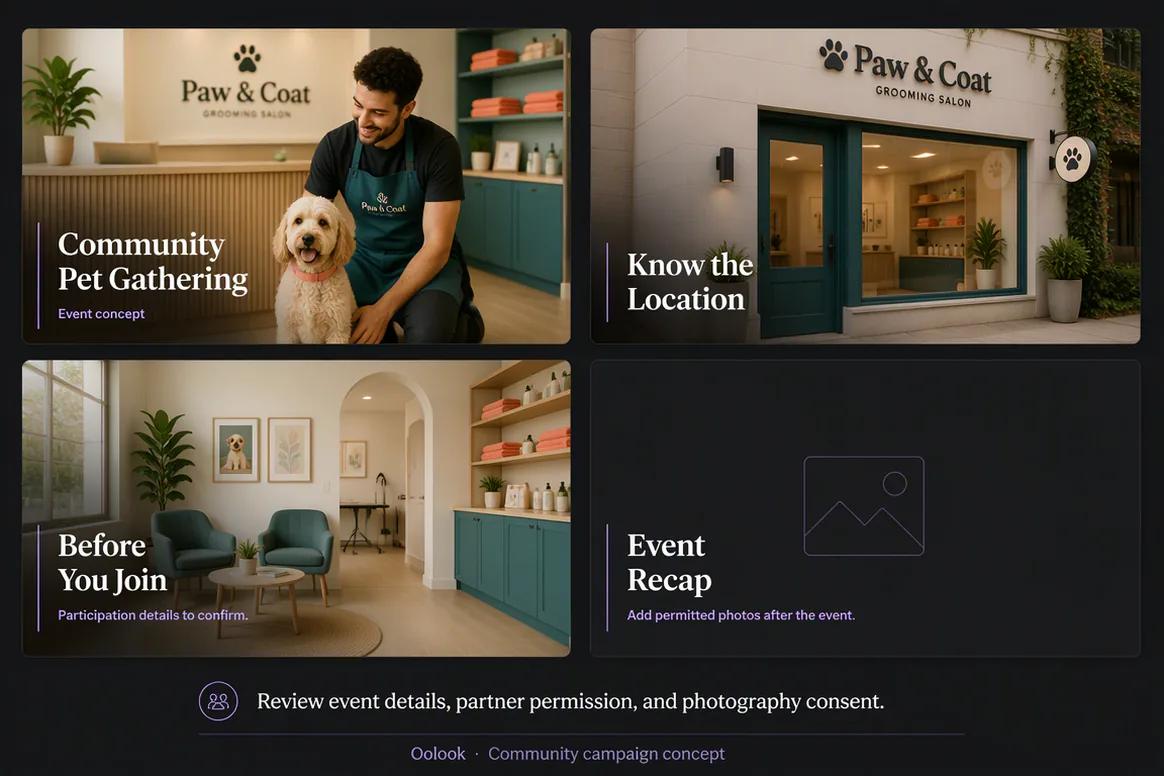
Oolook displaying a local community pet event campaign

Local Event Campaign

Connect approved event details, location information, participation guidance, and follow-up.

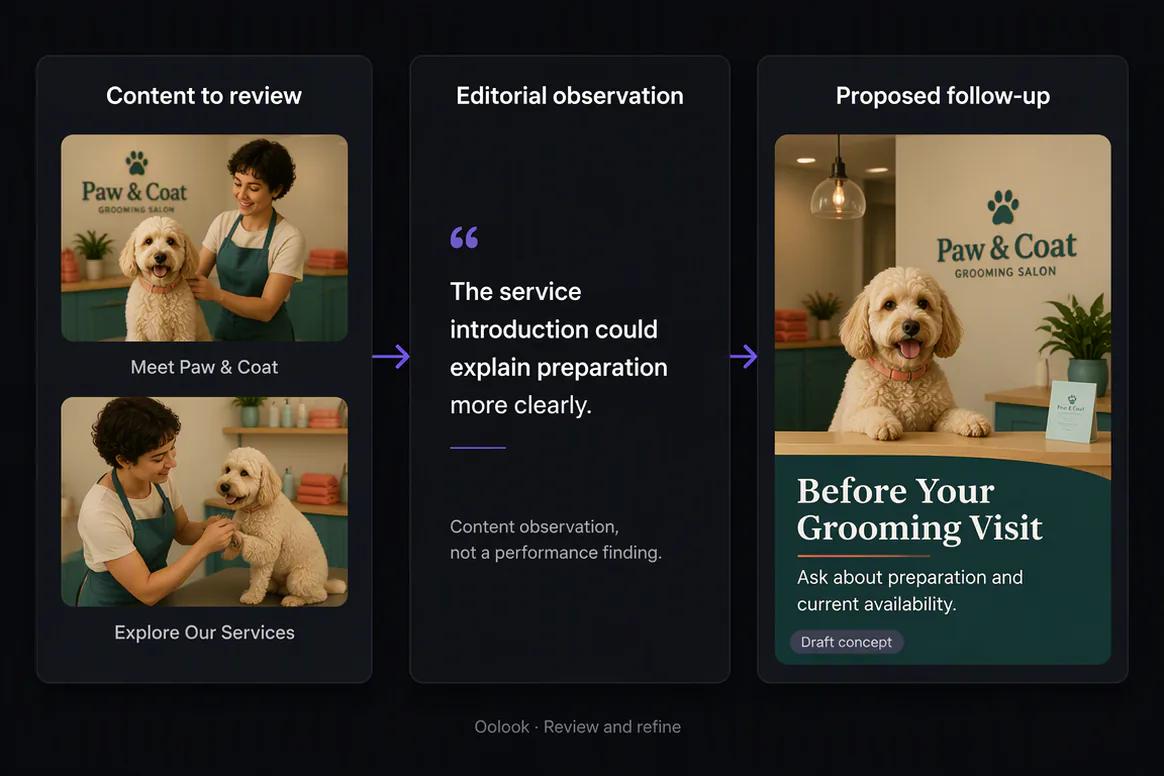
Oolook displaying a local profile reporting and follow-up workflow

Local Reporting Follow-Up

Use available destination information to prepare another accurate local update.

Oolook Copilot in action

How Oolook Copilot Prepares Google Business Profile Content

Move from a clear marketing objective to brand-aware content and a reviewable publishing action.

01

Describe the objective

Tell Copilot what the local business update should communicate, who it should reach, and what should happen next.

02

Apply brand context

Use available audience, positioning, writing preferences, visual direction, and campaign information.

03

Prepare the content

Create the copy, media selection, and supported Google Business Profile publishing details required by the objective.

04

Review and confirm

Inspect the content, destination, media, settings, and timing before confirming any supported action.

Built for Google Business Profile

Prepare Content for Recurring Local Business Updates

Exact formats and publishing behavior depend on current Google Business Profile APIs, account eligibility, permissions, and Oolook availability.

Business updates

Share accurate news and operational information from the business.

Service highlights

Explain an approved service using clear copy and relevant media.

Campaign content

Prepare local campaign content using verified dates, details, and calls to action.

Scheduled content

Prepare eligible drafts for immediate or scheduled publication where supported.

Practical marketing jobs

Use Oolook for Recurring Local Marketing Work

Keep every update grounded in verified business information and approved campaign details.

Announce an approved local offer

Introduce a new service

Share an operational business update

Promote an upcoming local event

Reuse approved business photography

Prepare seasonal local content

One connected workspace

Everything Connected to Your Google Business Profile Workflow

Keep brand context, creative assets, publishing records, and available performance information inside the selected brand workspace.

Brand Kit

Use available audience, positioning, tone, writing preferences, visual direction, and calls to action.

Media Library

Store, find, organize, process, and reuse uploaded and AI-generated assets inside the correct brand workspace.

Creative applications

Generate captions, images, coordinated carousels, and reusable visual direction for supported workflows.

Media processing

Prepare eligible images and videos with supported resizing, reframing, background removal, color, and upscaling tools.

Controlled publishing

Prepare drafts, review destination requirements, schedule supported content, and monitor publication status.

Available reporting

Review profile and post information supplied through supported connected social-network workflows.

Why Oolook

Replace Disconnected Tasks With One Google Business Profile Workflow

Oolook connects the work surrounding content creation instead of producing another isolated draft.

Workflow
Disconnected tools
Oolook
Brand context
Re-enter instructions in every tool
Reuse structured Brand Kit information
Content
Draft copy without persistent context
Prepare content with brand and destination context
Media
Search folders and downloads manually
Use a brand-specific Media Library
Publishing
Move content into a separate scheduler
Prepare, review, schedule, and monitor
Performance
Review results away from campaign work
Keep available reports connected to the workspace

Step-by-step guide

How to Prepare a Google Business Profile Update

Follow a controlled workflow from verified business information to publication monitoring.

  1. 1

    Select the correct brand workspace

    Use the workspace containing the relevant business profile, Brand Kit, approved media, and publishing records.

  2. 2

    Connect an eligible business destination

    Complete the required authorization, location selection, permissions, and plan checks.

  3. 3

    Provide the verified update details

    Include the approved message, dates, location, service, offer, or event information.

  4. 4

    Prepare the copy and media

    Create an accurate draft and select approved business imagery from the Media Library.

  5. 5

    Review every business detail

    Check the copy, dates, destination, location information, media, and call to action.

  6. 6

    Confirm the supported action

    Approve the complete publishing action only after all business information has been verified.

  7. 7

    Monitor publication status

    Follow the queued action and review available information from the connected destination.

Frequently asked questions

Your Google Business Profile Questions, Answered

What is an AI Google Business Profile marketing tool?+

It is a tool for preparing local business content, approved media, destination settings, publishing actions, and available performance review. Oolook connects these tasks to a brand-specific workspace.

Can Oolook create Google Business Profile updates?+

Oolook can help prepare accurate local business content using available Brand Kit, campaign, media, and workspace context.

Can I use existing business photos?+

Yes. Uploaded, generated, and processed assets can be stored and reused through the selected brand's Media Library.

Can Oolook schedule Google Business Profile content?+

Scheduling and publishing behavior depends on current Google APIs, destination eligibility, permissions, plan limits, and Oolook availability.

Can Oolook manage customer reviews?+

Review monitoring and response management should not be assumed as an established Oolook capability on this page.

Does Oolook track local search rankings?+

Dedicated local rank tracking should not be assumed. Oolook provides available profile and post information from supported connected destinations.

Does Copilot publish updates automatically?+

Supported workspace changes are presented for confirmation so the copy, media, destination, dates, and business details can be reviewed first.

Which metrics are available?+

Available information depends on current Google APIs, the connected destination, permissions, reporting history, and Oolook availability.

Start with Oolook

Prepare Accurate Local Business Content with Oolook

Connect verified business information, Brand Kit context, approved media, controlled publishing, and available reporting.