Oolook for YouTube

Prepare and Publish YouTube Content with AI

Turn a finished video and campaign objective into brand-aware YouTube copy, destination settings, a reviewable draft, and supported publication.

Oolook Copilot

Campaign preparation

Working in: Alder & Form
Ask anything
This is a fictional demonstration. Actual output depends on the selected workspace, approved source information, and supported destinations.
Prepare a video descriptionCreate YouTube title optionsReview publishing settings

Supported actions are prepared for review and confirmation. Publishing capabilities and formats depend on current Oolook availability and the destination network.

YouTube publishing in one workspace

Connect Your Finished Video to the Complete Publishing Workflow

Use Oolook to locate or upload the video, prepare supporting copy, review YouTube-specific settings, schedule supported publication, and monitor status.

Start with Copilot

Turn a Video Brief Into a YouTube Publishing Draft

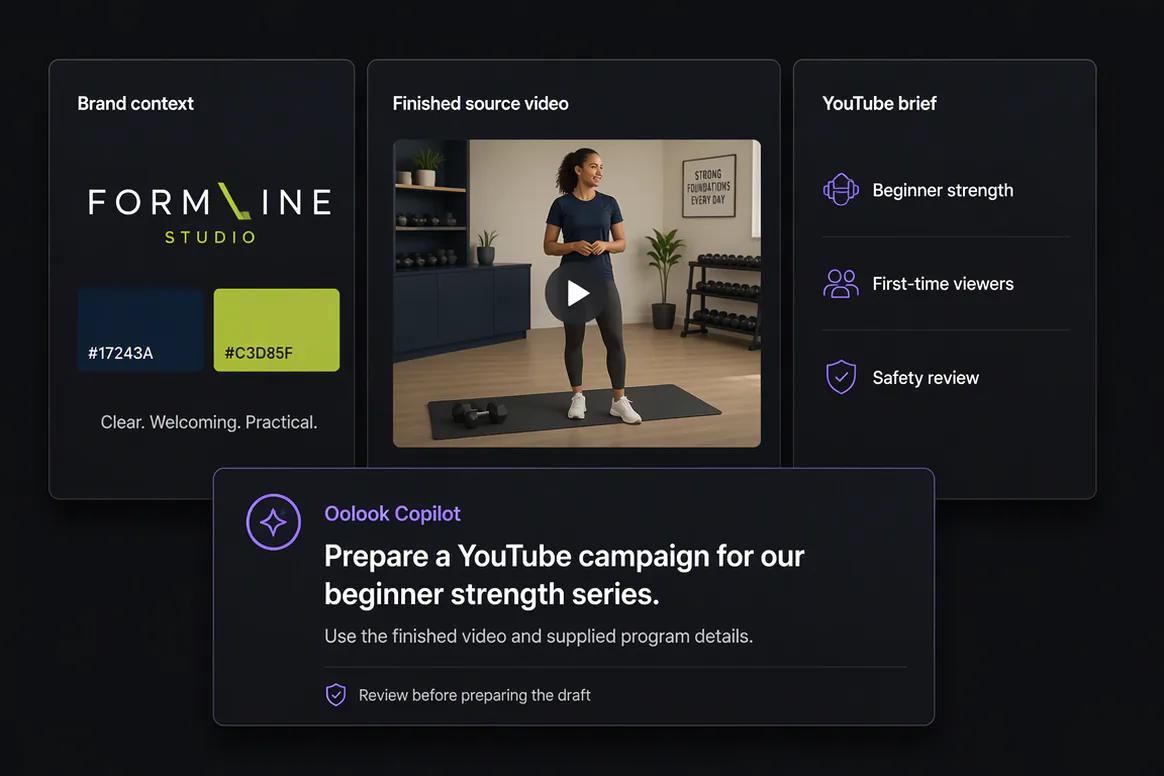
Give Copilot the approved source video, audience, subject, and campaign objective. It can prepare the supporting content and identify details that still require confirmation.

  • Use available Brand Kit and campaign context
  • Prepare title and description options
  • Locate relevant video assets in the Media Library
  • Keep supported actions reviewable
Oolook Copilot preparing YouTube publishing content

Prepare the media

Find, Organize, and Process Existing Video Assets

Work with completed source videos already associated with the selected brand and run supported processing when a new export is required.

  • Upload or find video assets by brand
  • Run supported video background or upscaling workflows
  • Keep approved outputs in the Media Library
  • Connect the selected asset to the publishing draft
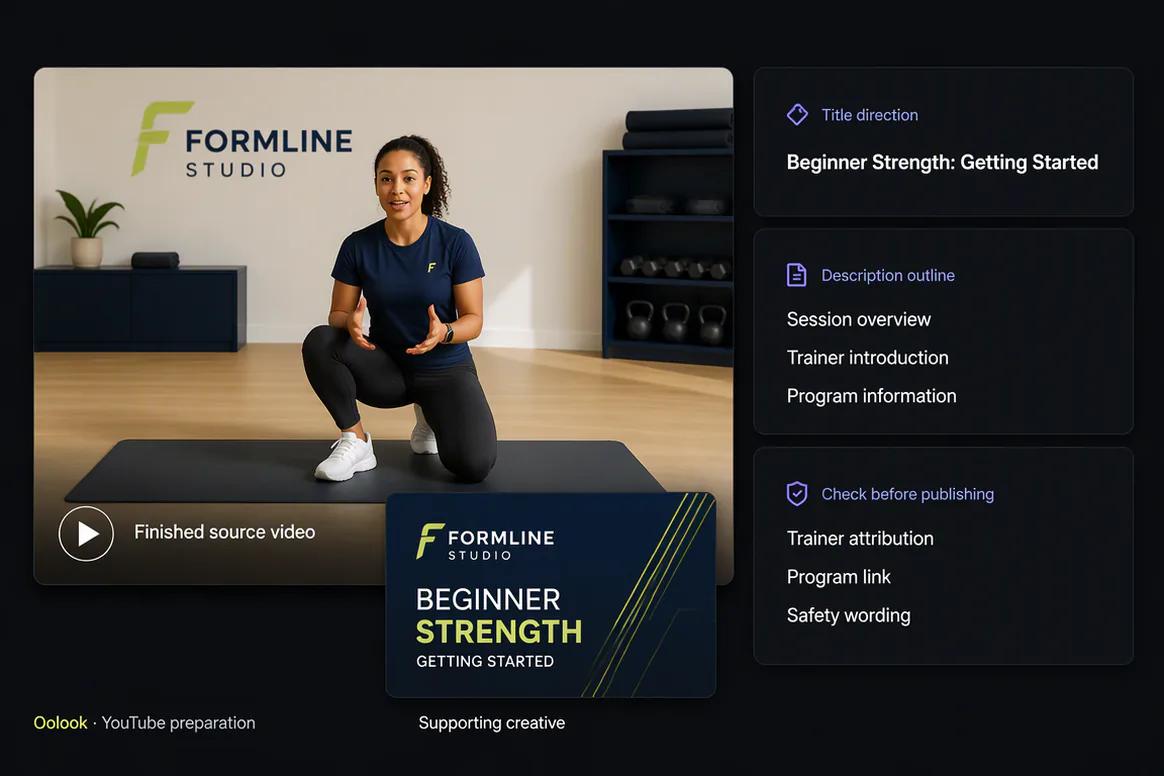
YouTube video assets organized in the Oolook Media Library

Configure YouTube

Review YouTube-Specific Metadata and Settings

Prepare the information required for the destination and review it together before submitting the publishing action.

  • Review title, description, tags, and category
  • Select a playlist where supported
  • Check made-for-kids and embedding settings
  • Review subscriber-notification preferences
YouTube title and destination settings prepared in Oolook

Publish and monitor

Schedule YouTube Content and Follow Its Status

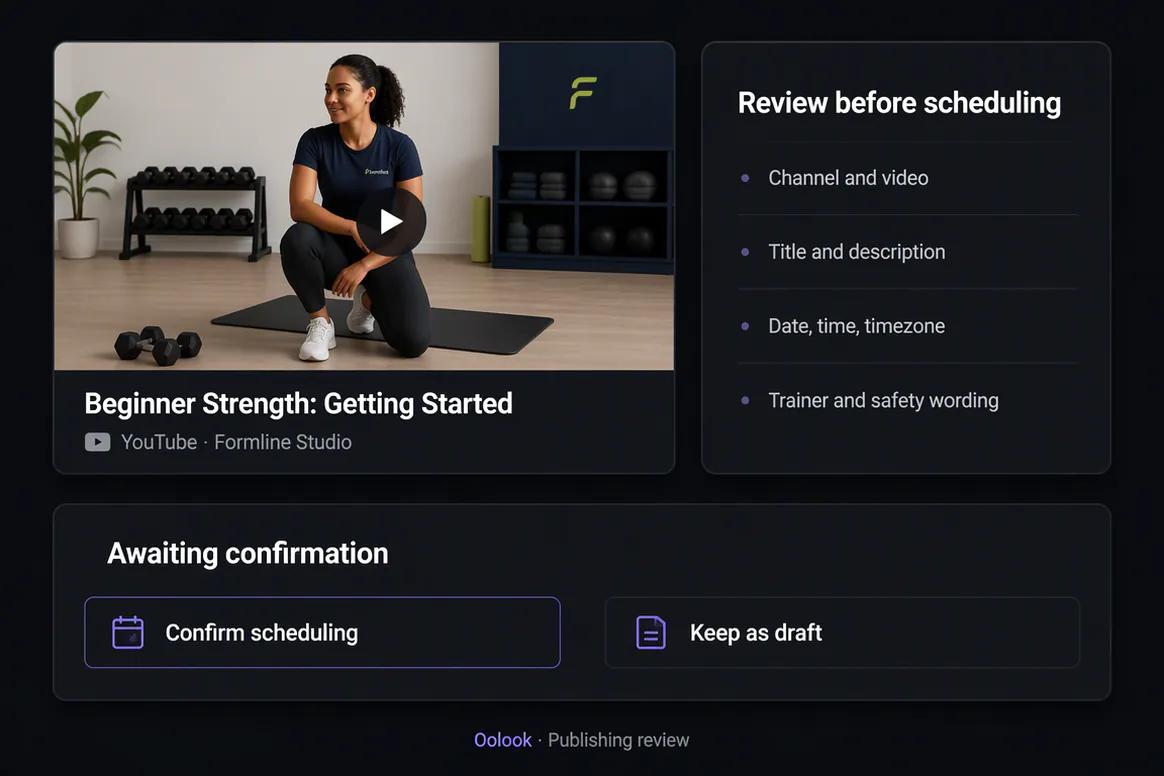
Confirm the complete publishing action only after the video, metadata, destination, settings, and timing have been reviewed.

  • Save a draft or prepare supported publication
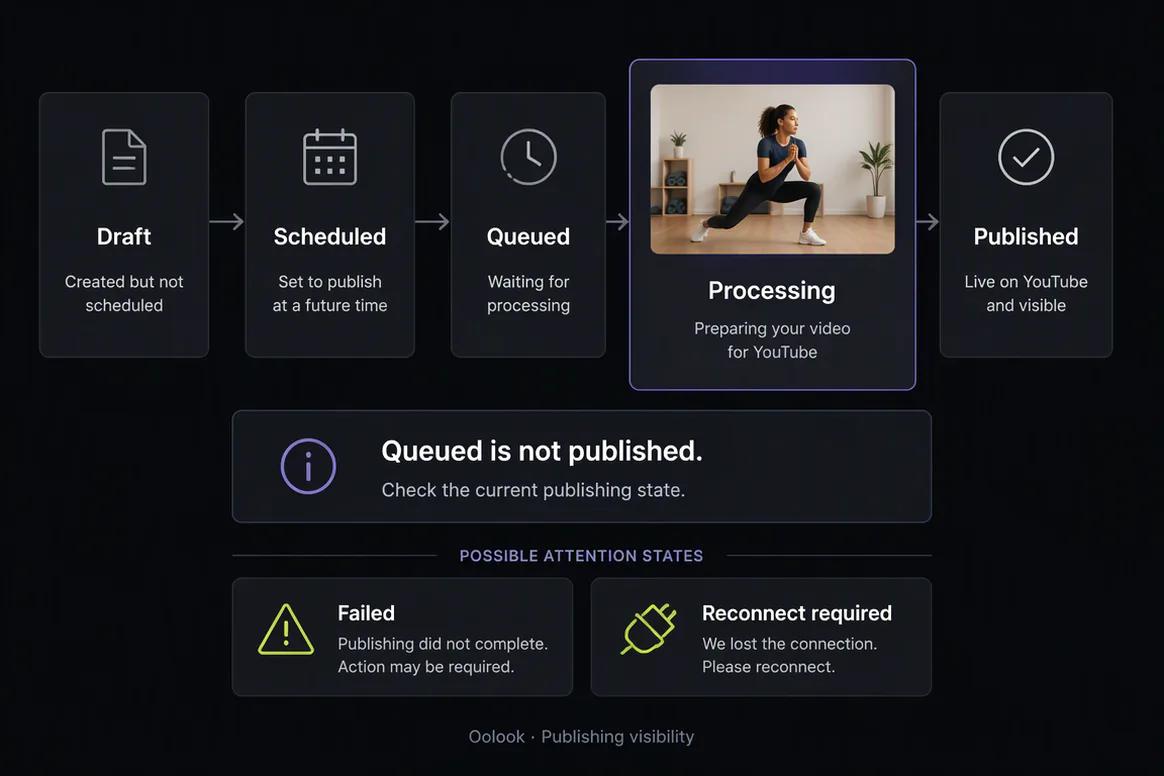
  • Monitor queued and publishing states
  • Identify failed or reconnect-required actions
  • Review available performance information
YouTube publishing status and available reporting in Oolook

YouTube campaign examples

Connect Approved Video Assets to a Complete Publishing Campaign

Prepare video metadata, supporting social content, publication records, reusable media, and available reporting.

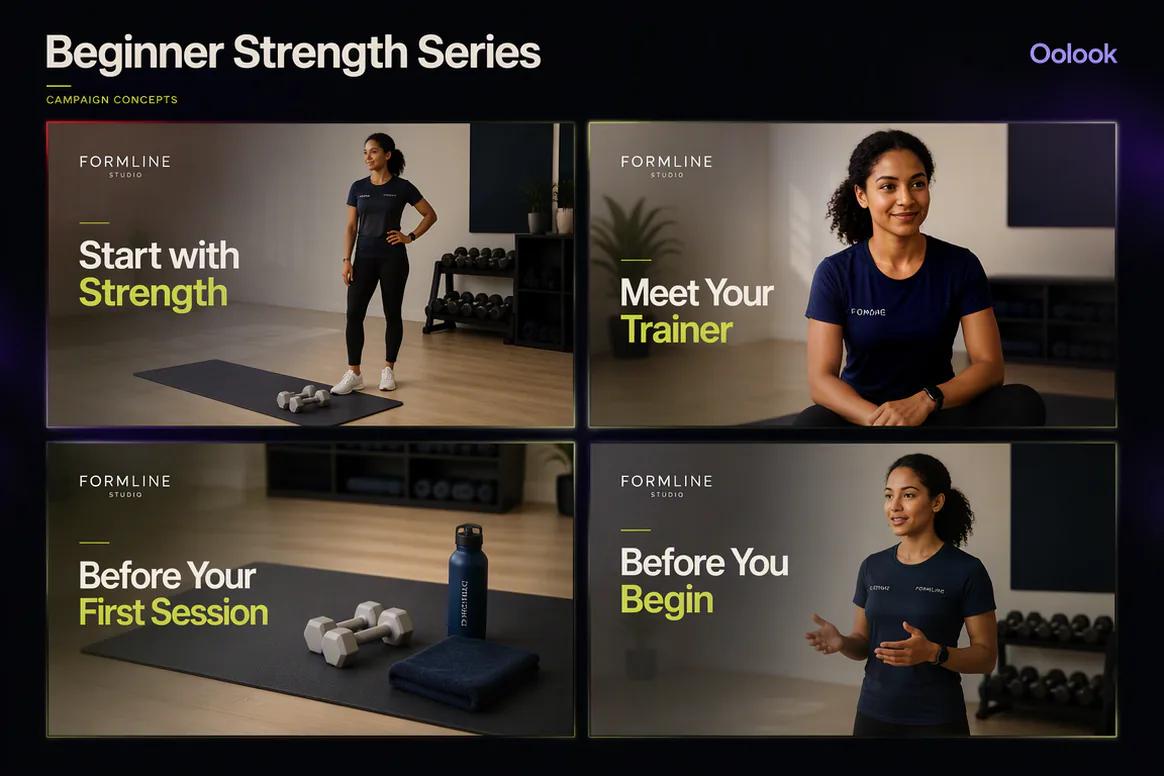
Oolook displaying a coordinated YouTube fitness education series

Educational Video Series

Organize beginner education, trainer content, class preparation, and safety information.

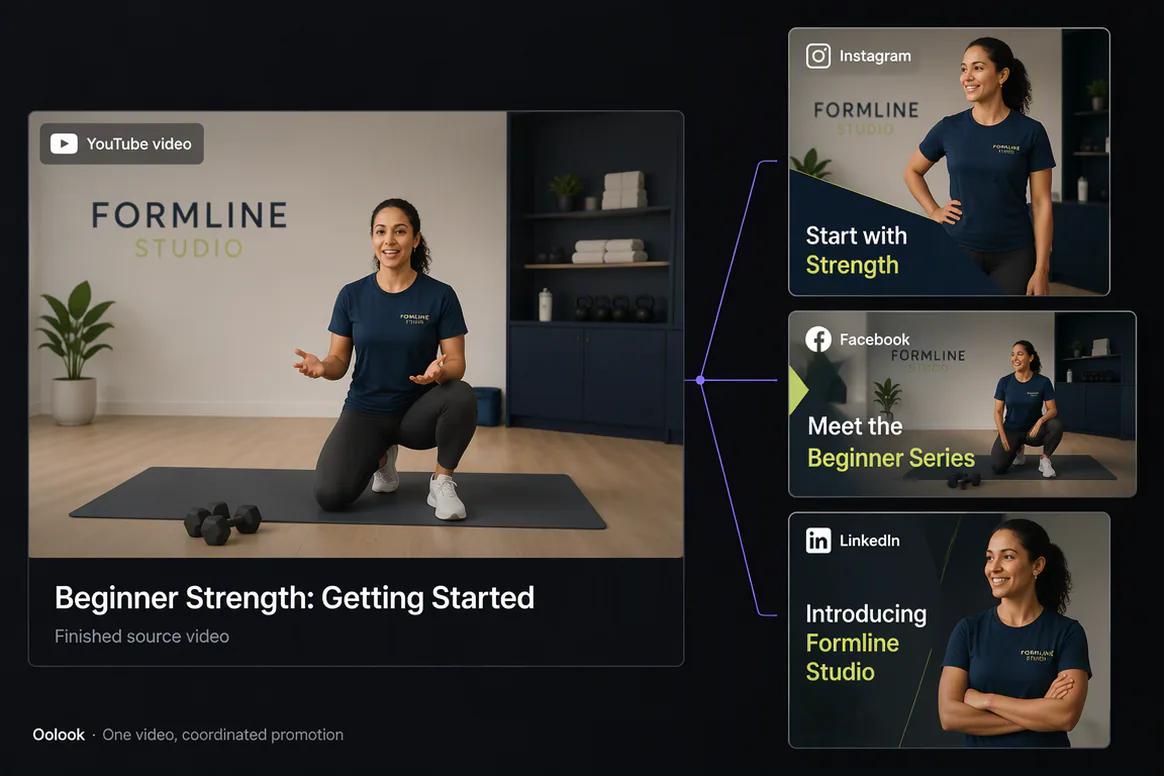
Oolook displaying one YouTube video promoted across social destinations

Video Promotion Set

Connect one approved finished video to YouTube and supporting social campaign drafts.

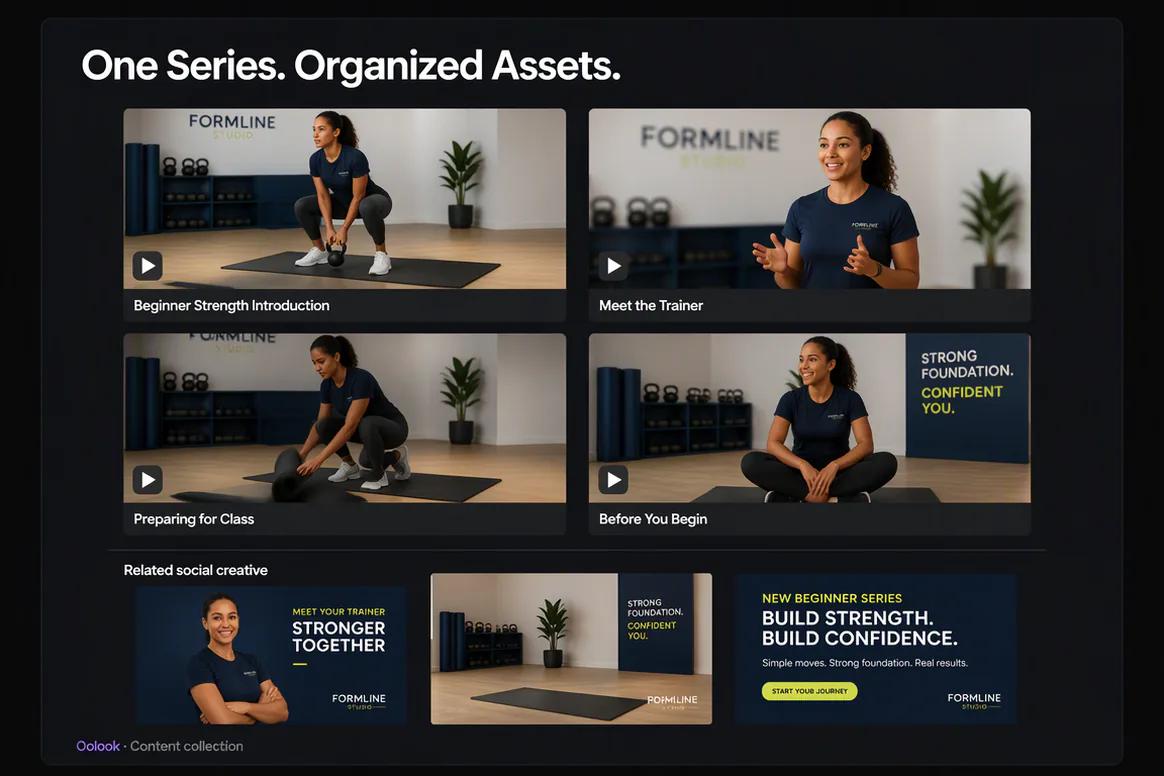
Oolook displaying an approved YouTube content library

Video Content Library

Keep approved video records, titles, campaigns, statuses, and related social drafts organized.

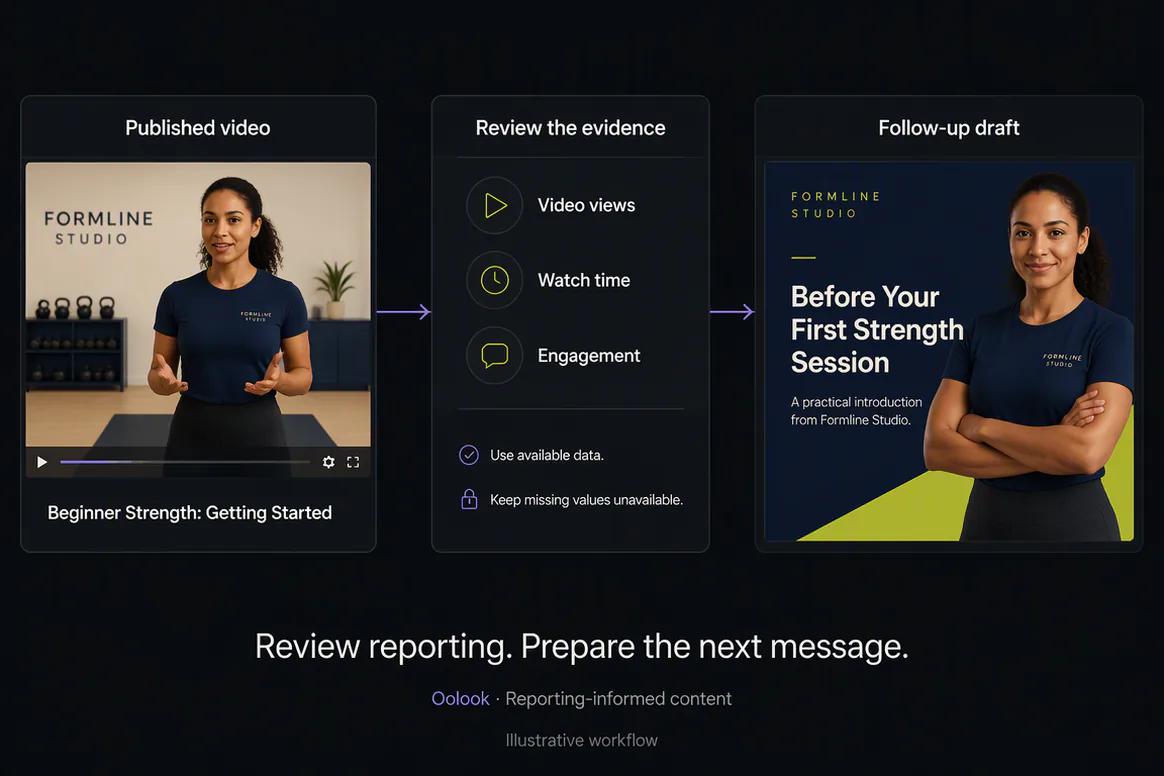
Oolook displaying a YouTube reporting and follow-up workflow

Reporting Follow-Up

Review available video information and prepare grounded supporting content.

Oolook Copilot in action

How Oolook Copilot Prepares YouTube Content

Move from a clear marketing objective to brand-aware content and a reviewable publishing action.

01

Describe the objective

Tell Copilot what the video should communicate, who it should reach, and what should happen next.

02

Apply brand context

Use available audience, positioning, writing preferences, visual direction, and campaign information.

03

Prepare the content

Create the copy, media selection, and supported YouTube publishing details required by the objective.

04

Review and confirm

Inspect the content, destination, media, settings, and timing before confirming any supported action.

Built for YouTube

Prepare the Information Required for YouTube Publication

Exact formats and publishing behavior depend on current YouTube APIs, channel eligibility, permissions, and Oolook availability.

Video metadata

Prepare an editable title, description, tags, and category.

Playlist selection

Choose an eligible playlist when supported by the connected channel.

Audience settings

Review the made-for-kids setting before publication.

Publication controls

Review embedding, subscriber notifications, timing, and supported destination settings.

Practical marketing jobs

Use Oolook for Recurring YouTube Publishing Work

Keep the finished video, supporting copy, destination settings, and publication status connected.

Prepare a product demonstration upload

Publish an educational business video

Create metadata for an approved webinar

Organize reusable video assets

Prepare a campaign video description

Review destination settings before publication

One connected workspace

Everything Connected to Your YouTube Workflow

Keep brand context, creative assets, publishing records, and available performance information inside the selected brand workspace.

Brand Kit

Use available audience, positioning, tone, writing preferences, visual direction, and calls to action.

Media Library

Store, find, organize, process, and reuse uploaded and AI-generated assets inside the correct brand workspace.

Creative applications

Generate captions, images, coordinated carousels, and reusable visual direction for supported workflows.

Media processing

Prepare eligible images and videos with supported resizing, reframing, background removal, color, and upscaling tools.

Controlled publishing

Prepare drafts, review destination requirements, schedule supported content, and monitor publication status.

Available reporting

Review profile and post information supplied through supported connected social-network workflows.

Why Oolook

Replace Disconnected Tasks With One YouTube Workflow

Oolook connects the work surrounding content creation instead of producing another isolated draft.

Workflow
Disconnected tools
Oolook
Brand context
Re-enter instructions in every tool
Reuse structured Brand Kit information
Content
Draft copy without persistent context
Prepare content with brand and destination context
Media
Search folders and downloads manually
Use a brand-specific Media Library
Publishing
Move content into a separate scheduler
Prepare, review, schedule, and monitor
Performance
Review results away from campaign work
Keep available reports connected to the workspace

Step-by-step guide

How to Prepare and Publish a YouTube Video

Follow a controlled workflow from the approved source video to publication monitoring.

  1. 1

    Select the correct brand workspace

    Use the workspace containing the correct Brand Kit, video assets, connected channel, and publishing records.

  2. 2

    Connect an eligible YouTube channel

    Complete authorization, channel selection, consent, permissions, and applicable plan checks.

  3. 3

    Upload or select the finished video

    Choose the approved source video from the brand's Media Library or upload it to the workspace.

  4. 4

    Prepare the title and description

    Use the video's actual content, audience, and campaign objective to create accurate supporting copy.

  5. 5

    Review YouTube-specific settings

    Check tags, category, playlist, made-for-kids status, embedding, and subscriber notifications.

  6. 6

    Confirm the publishing action

    Review the destination, video, metadata, settings, date, and time before submission.

  7. 7

    Monitor publication status

    Follow the queued job and review available channel or video information after publication.

Frequently asked questions

Your YouTube Questions, Answered

What is an AI YouTube marketing tool?+

An AI YouTube marketing tool helps prepare video metadata, media, destination settings, drafts, scheduling, and performance review. Oolook connects those tasks to a brand workspace and controlled publishing workflow.

Can Oolook generate YouTube titles and descriptions?+

Oolook can prepare platform-aware captions and supporting copy using optional media and available Brand Kit context. The result should be reviewed against the actual video before publication.

Which YouTube settings can I review?+

The documented workflow includes title, tags, category, playlist, made-for-kids status, embedding permission, and subscriber notifications.

Can Oolook generate complete YouTube videos?+

Oolook should not be positioned as an unrestricted professional text-to-video production platform. Its established workflow focuses on existing media, supported processing, copy, publishing, and reporting.

Can Oolook schedule YouTube videos?+

Oolook supports drafts, immediate publishing, scheduling, validation, queue states, retries, and publication-status monitoring where currently supported.

Can Oolook process an existing video?+

Supported media workflows include video background removal and video upscaling, subject to current application availability and plan limits.

Does Copilot publish videos without approval?+

Supported workspace actions are presented for confirmation so the video, metadata, destination, settings, and timing can be reviewed first.

What YouTube analytics are available?+

Available channel and video information depends on current YouTube APIs, permissions, reporting history, the connected account, and Oolook availability.

Start with Oolook

Prepare Your Next YouTube Publication with Oolook

Connect your Brand Kit, approved video assets, supporting copy, YouTube settings, controlled publishing, and available reporting.